ROBOTICS / TELEMETRY / NAVIGATION TOOLS
See the robot.
Understand the system.
Firmware and desktop tools that make a robot easier to integrate and debug: inspect sensors, record runs, calibrate odometry, map range evidence and plan routes from one workspace.
01 / THE CHALLENGE
Start with the system.
Integrating a robot is difficult when every sensor speaks through a different example sketch and every fault disappears between runs. The RoboCup workspace connects the embedded firmware to a desktop console, making sensor state, drive commands and recordings available in one workflow.
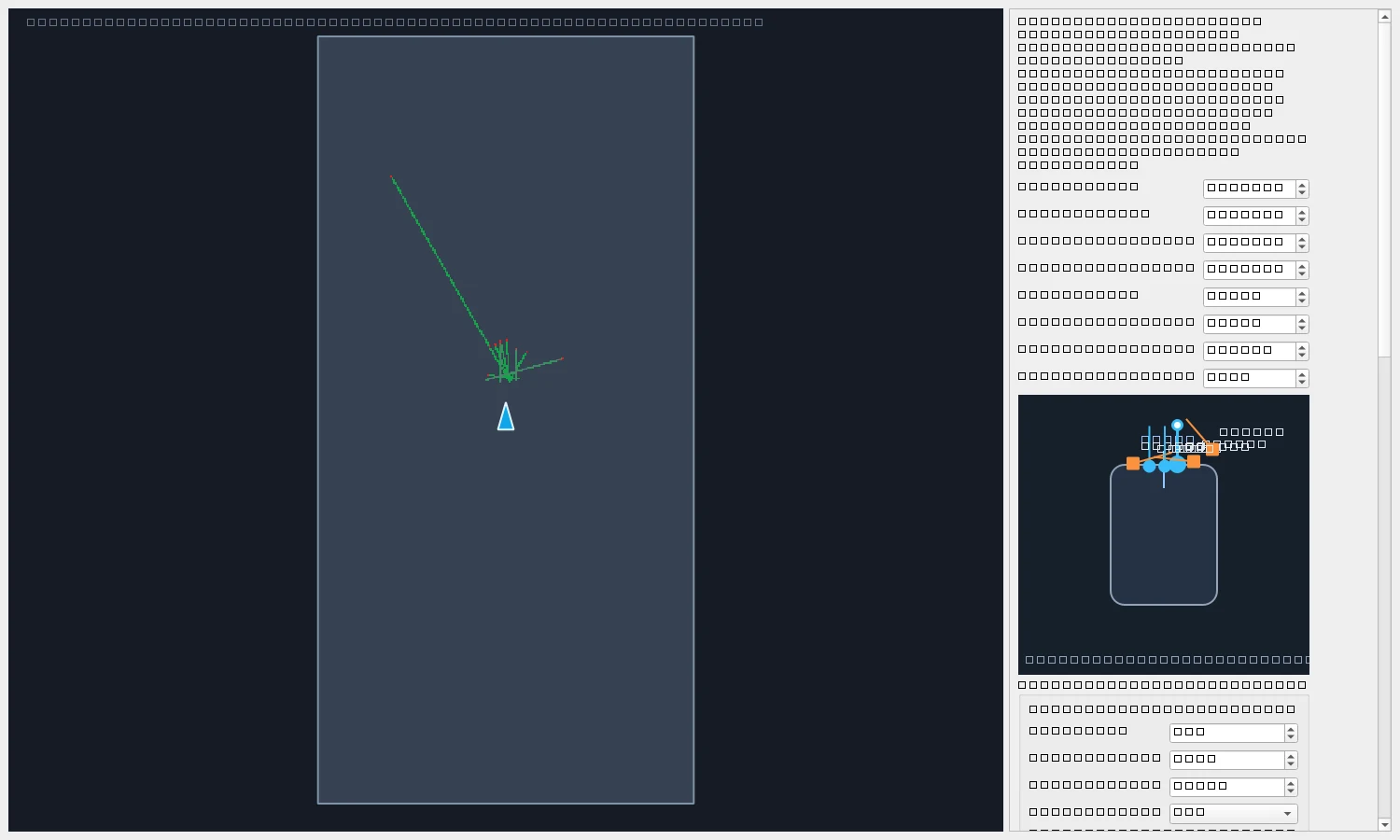
The work spans firmware integration and supporting software. It includes grouped JSON telemetry, sensor and wiring views, local arena mapping, a mission planner and offline analysis of recorded sessions.
02 / ENGINEERING DECISIONS
The thinking behind the build.
Use one protocol across transports
Newline-delimited JSON carries grouped sensor readings and commands over direct USB serial or a Bluetooth serial bridge. Firmware-provided signal definitions let the GUI discover friendly names and units.
Make missing data explicit
Unavailable sensor values are transmitted as null and shown as invalid. A successfully opened serial port is treated separately from a healthy telemetry stream, avoiding false confidence in a connection.
Map with appropriate sensor roles
Encoder displacement supplies translation and BNO055 orientation supplies heading. Range observations add local evidence. This is dead reckoning: drift and slip remain, and the map does not establish absolute arena localisation.
Keep planning and drive behavior inspectable
Desktop tools expose sensor placement, encoder calibration, obstacle clearance and A* route previews. Drive watchdogs and stop conditions are represented in the firmware and control workflow.
03 / A CLOSER LOOK
From the project workspace.
Explore the design and analysis assets. Select an image to view the detail.
04 / OUTCOME & LEARNING
What the work revealed.
The workspace implements a debug console, firmware protocol, recording and analysis tools, range visualisation, mapping and planning features. Recordings use SQLite-backed sessions, with offline viewers and command-line analysis to examine runs after a test.
Development status: the robotics work is ongoing. Local maps accumulate odometry error, and implemented navigation features require physical calibration and hardware validation.
Observability is part of the robot.
A clear view of invalid data, calibration and system state makes integration decisions easier to justify. The tools around the robot are as valuable as the control logic inside it.
05 / CONTEXT & CREDITS
The people and the tools.
University team project · ENMT301. The system description is based on the RoboCup firmware and desktop-tool documentation. The Arena View image is an actual screenshot from the project workspace. Software integration and physical validation are ongoing.